
Creating a home workspace that is both cozy and productive can make a big difference in your work-from-home experience. Whether you spend a few hours a week or full days working remotely, your environment plays a major role in your focus, comfort, and overall motivation. This post will guide you through practical tips to set up a space that feels inviting while helping you stay efficient throughout the day.
Choose the Right Location
Find a Quiet Spot
Start by selecting a location in your home where you can focus without frequent interruptions. A spare room, a corner in the living room, or even a nook by a window can work well. The key is to pick a place that minimizes distractions, especially if you share your living space with others.
Consider Natural Light
Natural light boosts mood and energy, so try to position your workspace near a window if possible. If natural light is limited, invest in good-quality, adjustable lighting that mimics daylight to reduce eye strain.
Invest in Comfortable Furniture
Select an Ergonomic Chair
Spending long hours working means comfort is critical. Choose an ergonomic chair that supports your back and encourages good posture. Adjustable features like height and tilt help you personalize your seating for maximum comfort.
Use a Suitable Desk
Your desk should provide enough space for your computer, notebooks, and other essentials without feeling cramped. Consider desks with built-in storage options to keep your area tidy.
Personalize Your Space
Add Soft Textiles
Incorporate cushions, cozy throws, or a small rug to soften the space and make it feel welcoming. These elements add warmth and can help reduce noise.
Include Plants
Houseplants improve air quality and create a calming atmosphere. Even a small potted plant on your desk can brighten your workspace and reduce stress.
Display Inspiring Items
Photos, artwork, or motivational quotes that resonate with you can keep your spirits up and remind you of your goals.
Organize for Efficiency
Declutter Regularly
A clutter-free workspace helps clear your mind and improve concentration. Take a few minutes at the end of each day to tidy up papers, cords, and tools.
Use Storage Solutions
Use shelves, baskets, or drawer organizers to keep supplies in their place. Label containers to quickly find what you need and reduce time wasted searching.
Manage Cables
Keep cords untangled and out of sight using clips, sleeves, or cable boxes. A neat setup not only looks better but prevents accidents.
Create a Routine-Friendly Environment
Set Boundaries
If you share your home with others, establish clear work hours and communicate when you shouldn’t be disturbed. This helps maintain focus and respect for your schedule.
Keep Essentials Nearby
Arrange your workspace so that frequently used items like pens, notebooks, and chargers are within arm’s reach. This reduces interruptions and keeps you in the flow.
Incorporate Break Spaces
Have a nearby chair or space for short breaks. Moving away from your desk occasionally can refresh your mind and body.
Use Technology Wisely
Invest in Reliable Equipment
A good computer, headset, and fast internet connection are vital tools. Reliable technology minimizes frustration and downtime.
Optimize Your Screen Setup
Position your monitor at eye level and about an arm’s length away to avoid neck strain and eye fatigue. Use screen filters if glare is an issue.
Utilize Productivity Tools
Apps and tools that track tasks, manage time, or reduce distractions can enhance your workflow.
Maintain Comfort and Health
Adjust Temperature and Airflow
Ensure your workspace has adequate ventilation and a comfortable temperature. Use fans or heaters as needed to keep your space pleasant.
Stay Hydrated and Nourished
Keep a water bottle nearby and take regular breaks to eat nutritious snacks. Proper hydration and nutrition support focus and energy.
Move Regularly
Incorporate stretches or brief walks during your workday to avoid stiffness and promote circulation.
—
By following these tips, you can create a home workspace that supports both comfort and productivity. A well-designed area encourages focus, reduces stress, and makes working from home a more enjoyable experience. Happy creating!
Related Posts
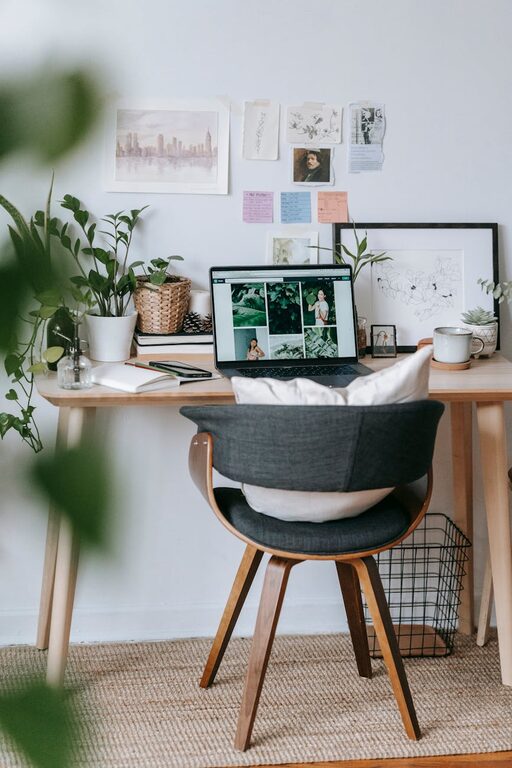
Tips for Creating a Cozy and Productive Home Office Space
Creating a home office that is both cozy and productive…
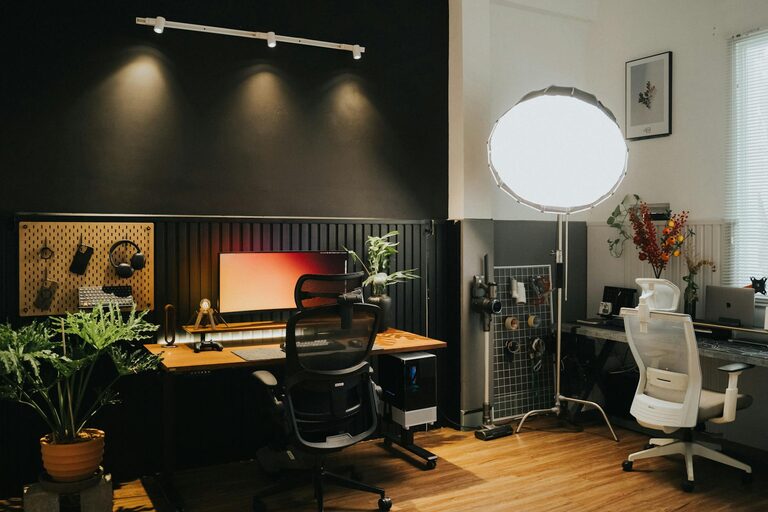
Tips for Creating a Cozy and Inviting Home Office Space
Creating a cozy and inviting home office space is more…
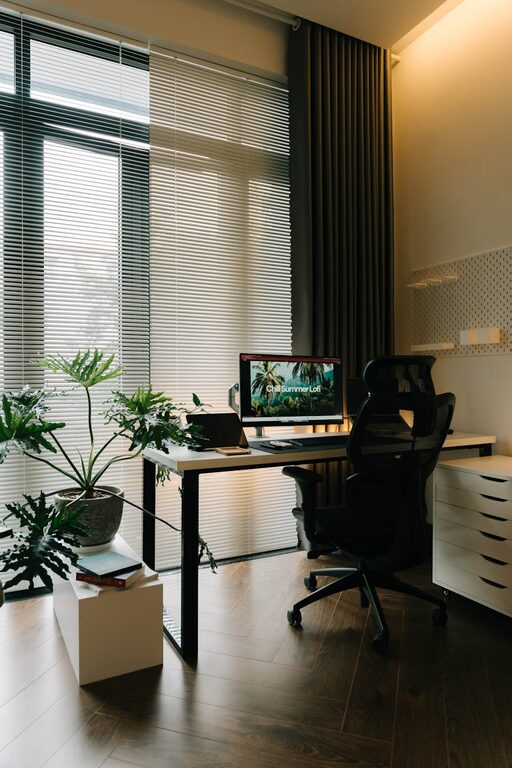
Tips for Creating a Cozy and Inviting Home Office Space
Creating a cozy and inviting home office space is more…